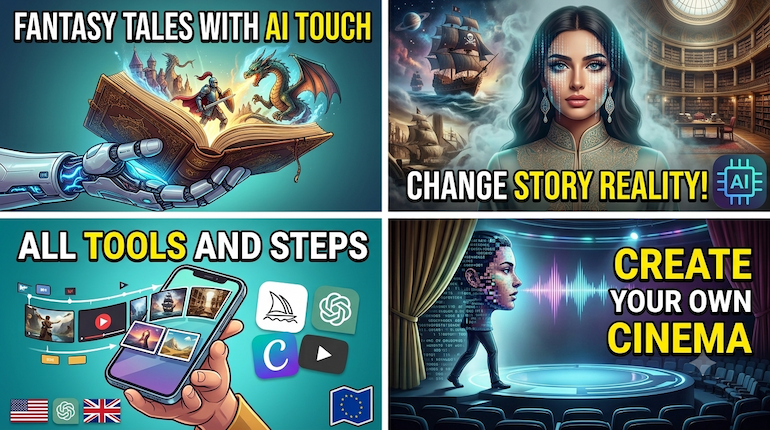
The Ultimate Guide: How to Create AI-Powered Animated Stories (All Tools Steps)
In a world where AI is instantly reshaping the digital content industry, producing high-quality animated stories is no longer exclusive to massive production companies or professional editing teams. Today, you have the power to transform a simple idea in your mind into a complete cinematic story with sound, visuals, and motion, all through simple steps you can apply yourself.
Whether you’re looking to create unique content for video platforms like YouTube and TikTok, or you aim to master digital storytelling with the latest available technologies, this comprehensive guide will provide you with the complete roadmap. We’ll explore the best global AI tools, from scriptwriting and character generation to animation, voice dubbing, and final editing.
What is AI Storytelling and Why Has It Become Today’s Hottest Trend?
AI storytelling relies on integrating several advanced digital tools to generate text, images, video, and audio without the need for complex filming equipment or studios. This approach has become a global trend thanks to its ability to produce engaging content at lightning speed and low cost, opening vast opportunities for content creators on platforms like YouTube and TikTok.
Part One: Text Generation and Scriptwriting
The scriptwriting phase is the foundational building block for the success of the entire story; without a strong script and a cohesive plot, the other tools won’t deliver the desired outcome.
- ChatGPT: The most popular tool for writing full scripts, dividing stories into detailed scenes, and generating character dialogues.
- Claude AI: Preferred for drafting long texts with a sophisticated literary style and building deep dramatic plots in accurate Arabic.
- Google Gemini: Excellent for connecting with real-world events and generating innovative story ideas inspired by trends.
Ready-made Prompt: “Write me a short story script with 4 scenes revolving around [story topic]. For each scene, specify: Visual Prompt, character dialogue, and desired vocal tone.”
Part Two: Image Generation and Character Consistency
Transforming text into visual scenes is the primary engine for bringing a story to life. The biggest challenge here is maintaining the character’s appearance (clothing, facial features) across different scenes.
MiKling AI: Excellent for animating images with extreme precision and maintaining realistic facial and animal details.
Runway: Offers high cinematic control via the Motion Brush feature to select only specific parts for animation within a scene.
Luma Dream Machine: A powerful tool for generating dynamic and fast camera movements for exciting scenes
e.djourney: The top choice for ultra-high-definition cinematic images, with the ability to use a character consistency command (--cref).
Leonardo AI: Provides a built-in Character Reference feature to easily stabilize character features across various styles (anime, 3D, realistic).
DALL-E 3: Integrated within ChatGPT, allowing for rapid scene generation directly while writing the script.
Part Three: Animating Images and Converting Them into Video Clips
After preparing the images, the next stage is to breathe life into them by converting them into animated video clips with realistic camera movements and fluidity.
- Kling AI: Excellent for animating images with extreme precision and maintaining realistic facial and animal details.
- Runway: Offers high cinematic control via the Motion Brush feature to select only specific parts for animation within a scene.
- Luma Dream Machine: A powerful tool for generating dynamic and fast camera movements for exciting scenes.
Part Four: Sound, Dubbing, and Music
Giving the story a distinctive voice and tone is what imbues it with soul and conveys emotions to the listener.
- ElevenLabs: The global leader in realistic voice generation and altering tones and emotions (sadness, excitement, whispering) across various accents.
- HeyGen: Used for lip-syncing and accurately generating talking characters.
- Suno: An amazing tool for creating original, royalty-free soundtracks and background music.
Part Five: Editing and Final Production
This final stage brings all the pieces together to produce the final product.
Assemble clips and add automatic subtitles in minutes
- CapCut: The easiest program for video editing, adding transition effects, and generating automatic subtitles.
- InVideo AI: A comprehensive AI-powered editing platform that helps automatically assemble scenes and texts.
Discover more from magallati
Subscribe to get the latest posts sent to your email.


